Page 1 of 1
GPIO MIDI
Posted: 08 Aug 2015 11:48
by madein80
Hello,
Since the upgrade to version 4.the orders 'midi' no longer work.
Midi Controller Roland UM-ONE or AKAI PRo same result. The two do not receive orders 'Midi' of my yamaha 01v.
Help
Re: GPIO MIDI
Posted: 08 Aug 2015 11:48
by radio42
What does happen, when you enable the MIDI device and click on the "Monitor..." button?
Are your Midi devices certified to work with the newer OS versions and 64-bit ?
Or don't you even see your Midi devices listed!
Have you tried the 32-bit version of ProppFrexx ONAIR v4?
Make some Tests here with other Midi devices, they just work fine...
Re: GPIO MIDI
Posted: 08 Aug 2015 12:39
by madein80
Version 4 64 bits
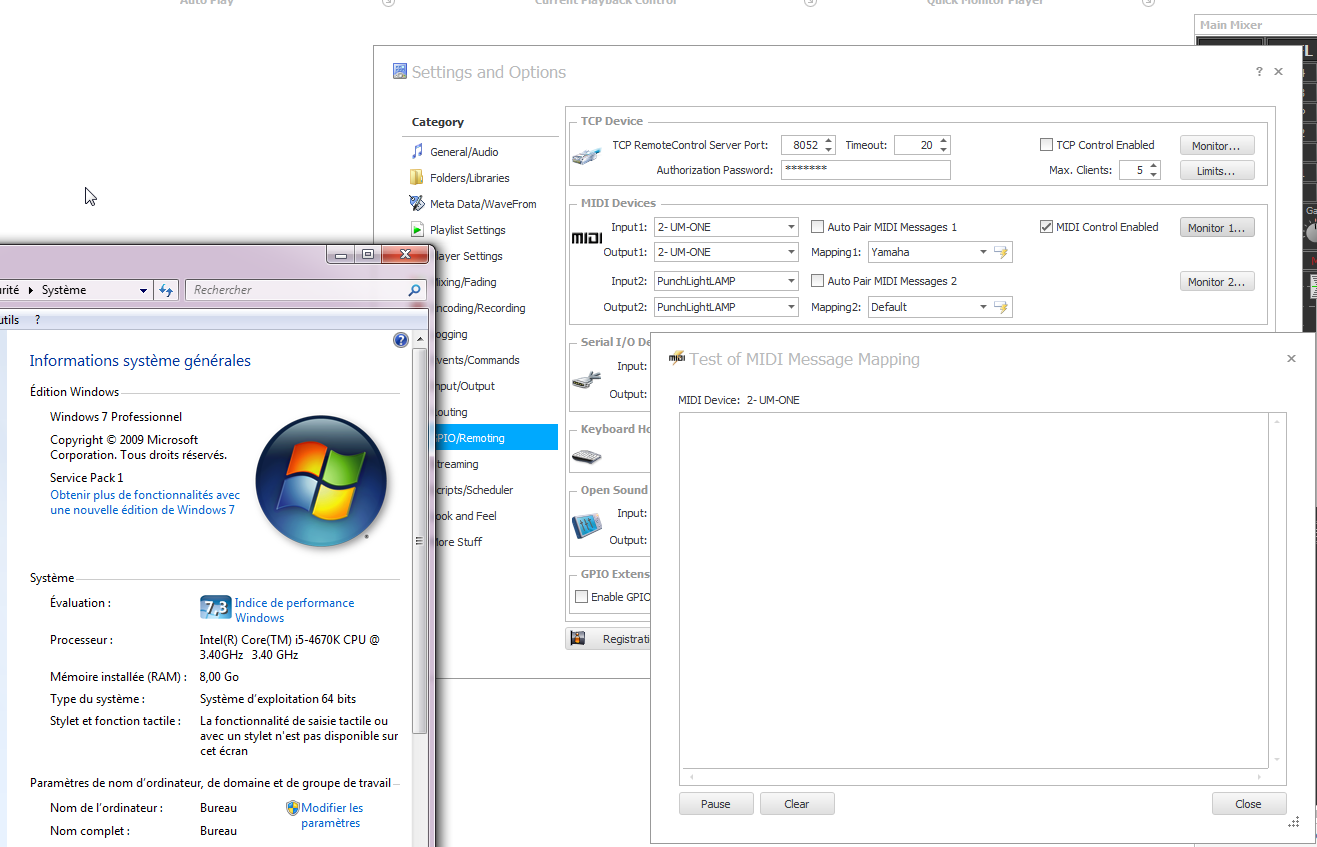
- 2015-08-08 12_24_33-ProppFrexx ONAIR.png (123.03 KiB) Viewed 13342 times
Version 3
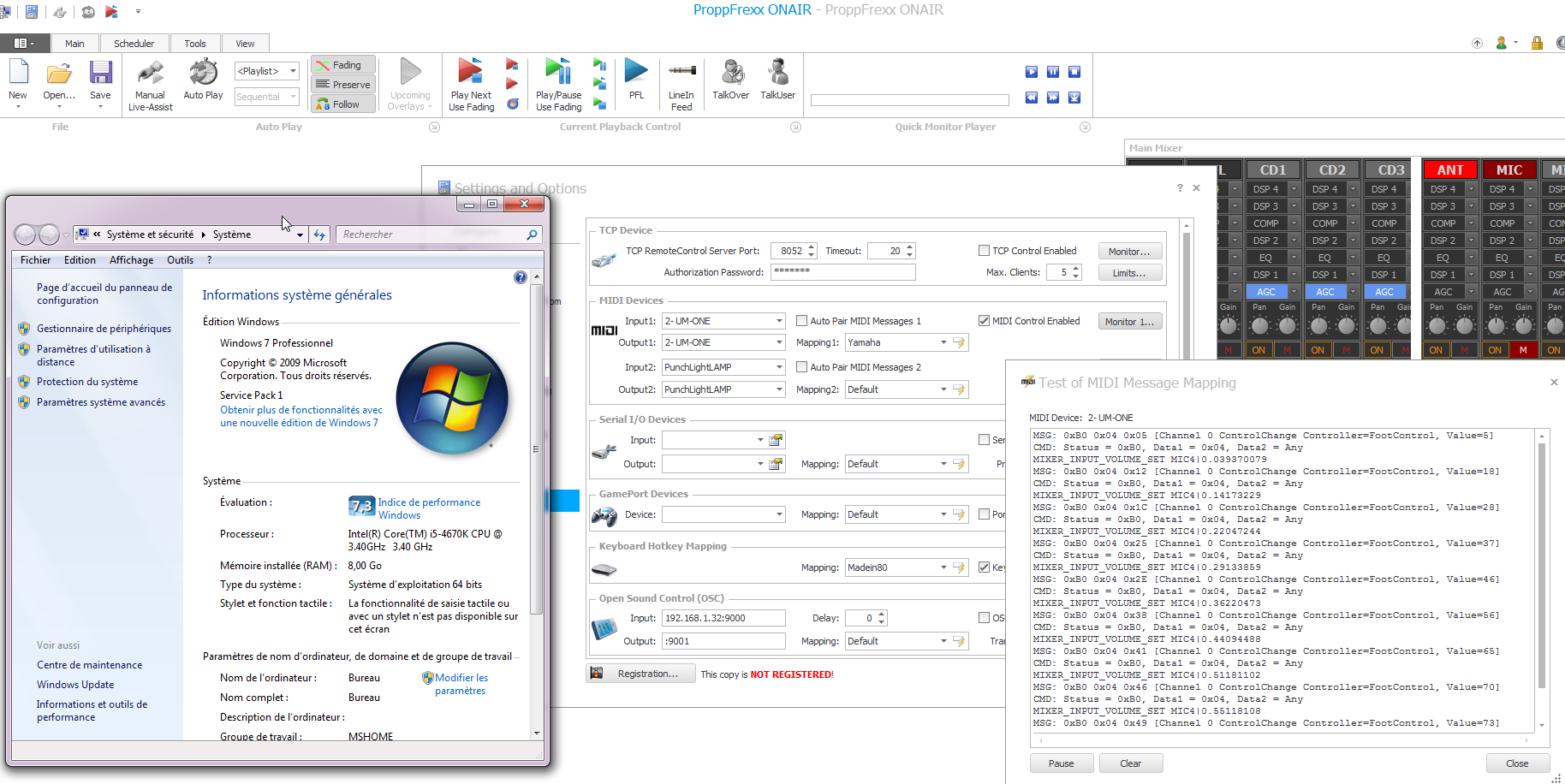
- 2015-08-08 12_35_31-Test of MIDI Message Mapping.png (245.29 KiB) Viewed 13342 times
I have no message in "Monitor"
Everything was working with version 3.
My OS is Windows 7 64 bit
I will test with version 4 32-bits
Re: GPIO MIDI
Posted: 08 Aug 2015 12:46
by madein80
Same problem with version 4 32-bits.
I tested two midi controllers (Roland UM-ONE and AKAI PRO EIA)
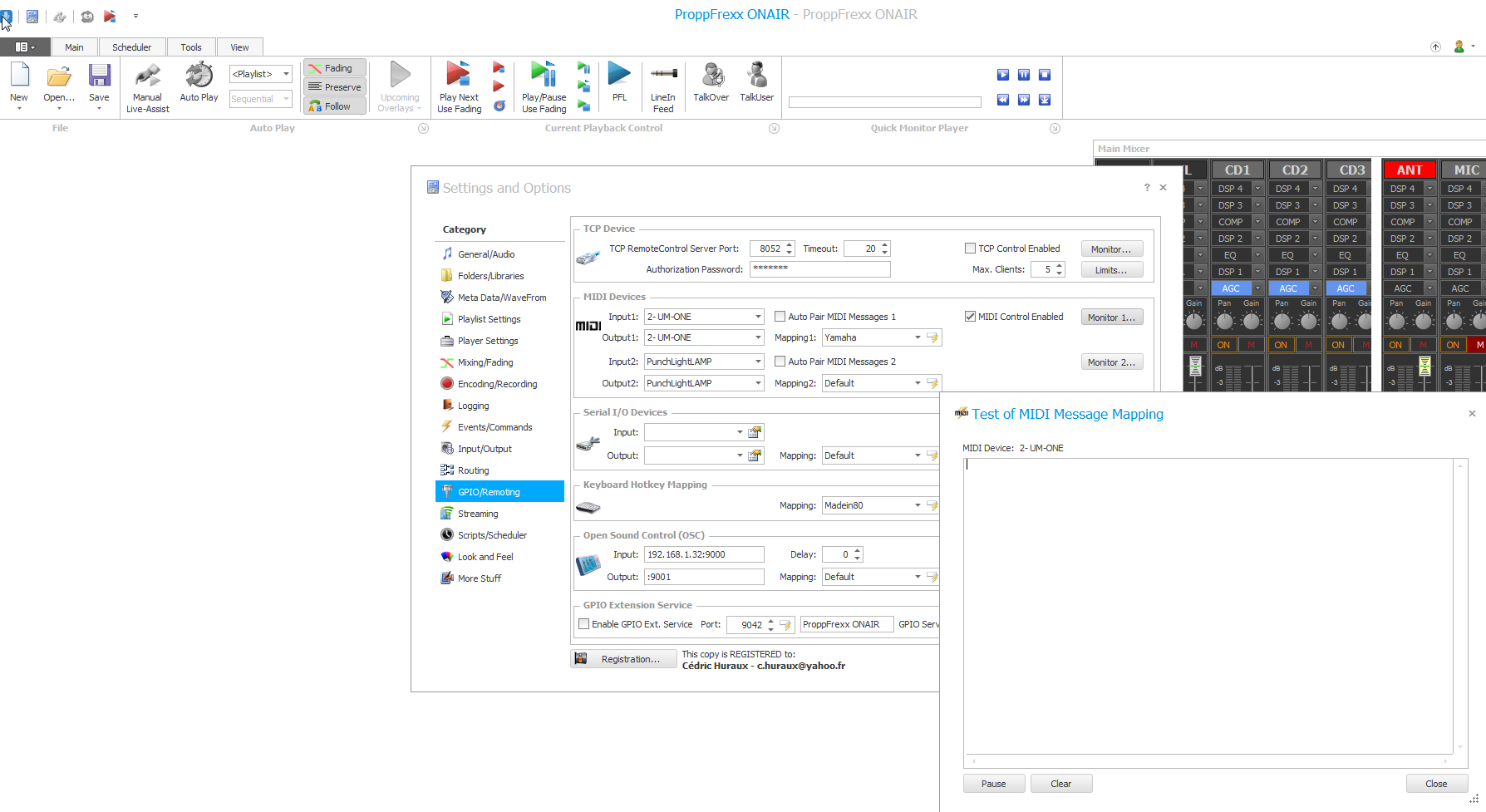
- 2015-08-08 12_41_46-Test of MIDI Message Mapping.png (117.79 KiB) Viewed 13338 times
Re: GPIO MIDI
Posted: 08 Aug 2015 15:06
by madein80
Nothing in parallel.
When I change controller I have this message on version 4
8/8/2015 3:03:35 p.m. [v4.0.0.3]: ********** Error / Exception Information **********
Error Message: Object reference not set to an instance of an object.
Error type: System.NullReferenceException
Error Source: ProppFrexx ONAIR.Boolean bh ()
********** ********** System Stack Trace
at ProppFrexx.dl.bh ()
at ProppFrexx.dl.b (A_0 String, String A_1)
at ProppFrexx.dl.c (A_0 Boolean, Boolean A_1)
at ProppFrexx.g4.l (Object A_0, EventArgs A_1)
at System.Windows.Forms.Control.OnClick (EventArgs e)
at DevExpress.XtraEditors.BaseButton.OnClick (EventArgs e)
at DevExpress.XtraEditors.BaseButton.OnMouseUp (MouseEventArgs e)
at System.Windows.Forms.Control.WmMouseUp (Message & m, MouseButtons button, Int32 clicks)
at System.Windows.Forms.Control.WndProc (Message & m)
at DevExpress.Utils.Controls.ControlBase.WndProc (Message & m)
at DevExpress.XtraEditors.BaseControl.WndProc (Message & msg)
at System.Windows.Forms.Control.ControlNativeWindow.OnMessage (Message & m)
at System.Windows.Forms.Control.ControlNativeWindow.WndProc (Message & m)
at System.Windows.Forms.NativeWindow.Callback (IntPtr hWnd, Int32 msg, IntPtr wparam, IntPtr lparam)
********** ********** End
Re: GPIO MIDI
Posted: 08 Aug 2015 15:36
by madein80
I just repeat the installation without using the migration script.
The midi controller works
Re: GPIO MIDI
Posted: 08 Aug 2015 15:40
by radio42
Good to know that it's working now

I'll anyhow take a look what might have caused the issue and the exception.
Re: GPIO MIDI
Posted: 08 Aug 2015 15:53
by madein80
If I copy my config it does not work again. How to recover my settings
Re: GPIO MIDI
Posted: 08 Aug 2015 16:37
by madein80
By editing the file 'PROPPFREXX ONAIR Config'
It's good it works
Thank you
Re: GPIO MIDI
Posted: 08 Aug 2015 20:15
by radio42
Version 4 32bit is using 100% the same code for MIDI as v3. So that sounds strange.
Are you sure to not use it in parallel in 2 apps?
E.g. have you may be started v3 and v4 in parallel ?
As Midi can only be used exclusively.